Redesigning how new clients learn Vudio, so they could learn to use the platform on their own.
Project Brief & Constraints
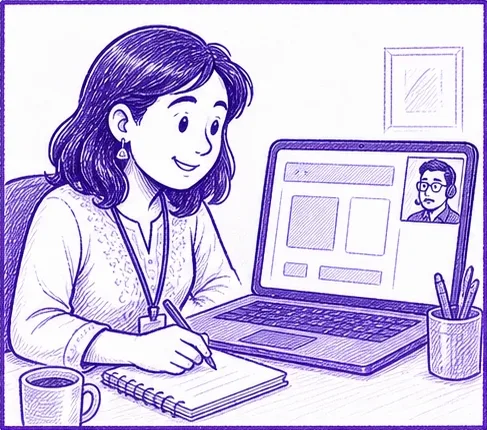
Vudio was new, so clients had nothing to lean on. Setting up an account wasn't enough. People had to learn the tool too, and that job fell on Customer Success calls.
The brief
What we were up against
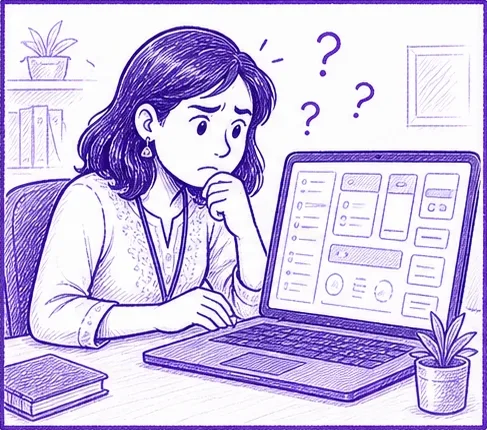
Most clients had never used a tool like Vudio.
Whatever onboarding taught had to hold as the product grew.
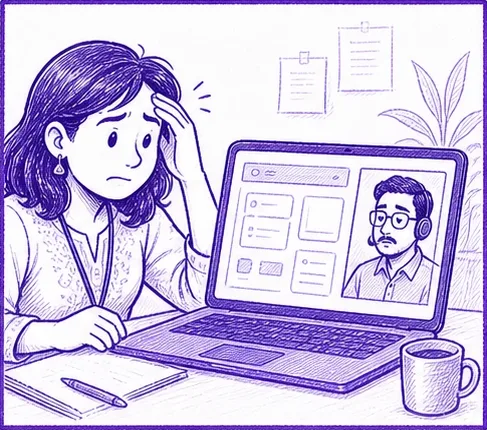
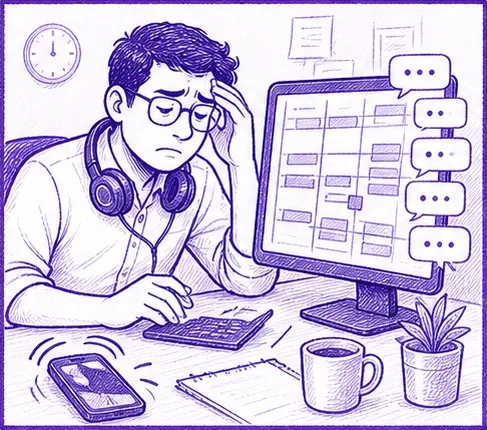
People read the docs, then still asked for a repeat demo call.
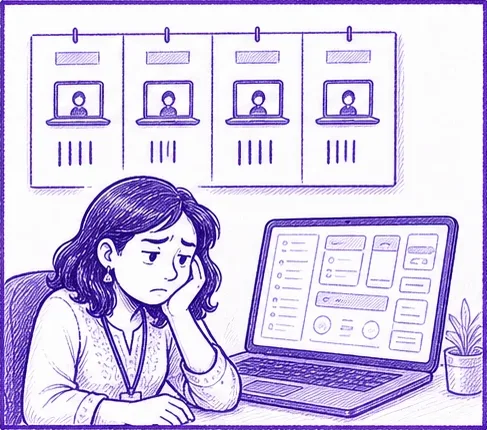
Every new client added onboarding and re-training hours.


Problem Discovery & Research
Most of what I learned came from the Customer Success team, not formal interviews. The calls and tickets repeated the same moments, so I treated them as research.
What the calls and tickets kept showing
Some clients asked 3-4 times.
People read the docs but didn't trust them until they saw it done.


Defining the target user
The client wants to get going on their own. Customer Success feels the problem every week. Business teams had already sat through demos and still didn't feel confident. All three shaped the design.
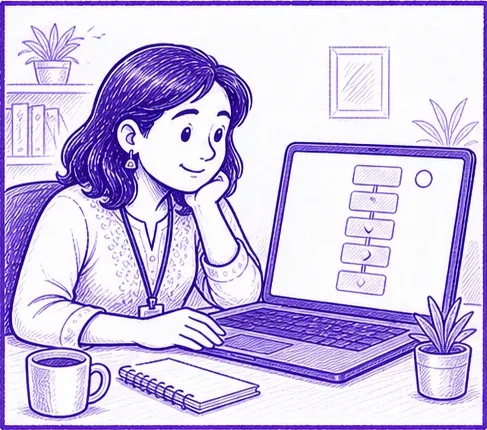
Runs an online store and is new to tools like this.
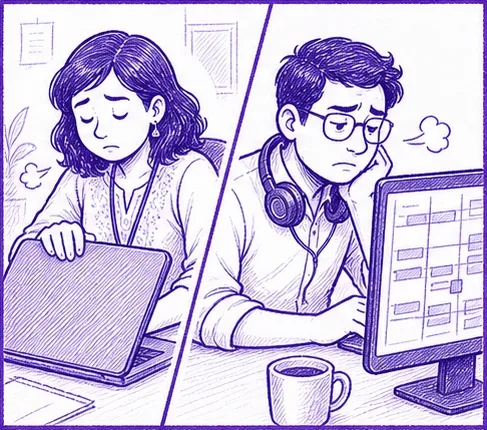
Onboarding ate their week, and repeat sessions were common.
Took the demo calls, but still weren't confident using the software.
Every screen in the first visit pushes toward these four.
Ideation & Concept Development: Solution
New clients had to learn a brand-new product, and a call was how they did it. That doesn't scale, and it doesn't stick.
How might we
We got to three principles
Each step ends with something real, like a connected account or a finished reel.
Steps are numbered, timed and tracked, and the open set stays in view.
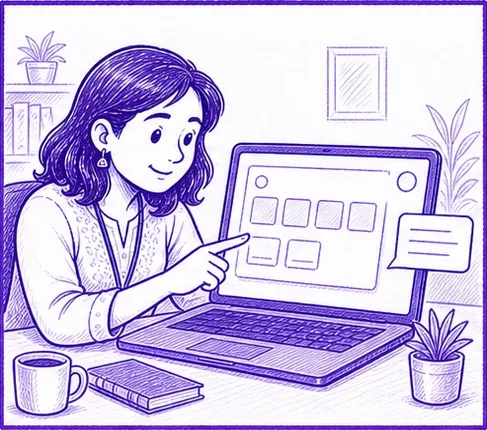
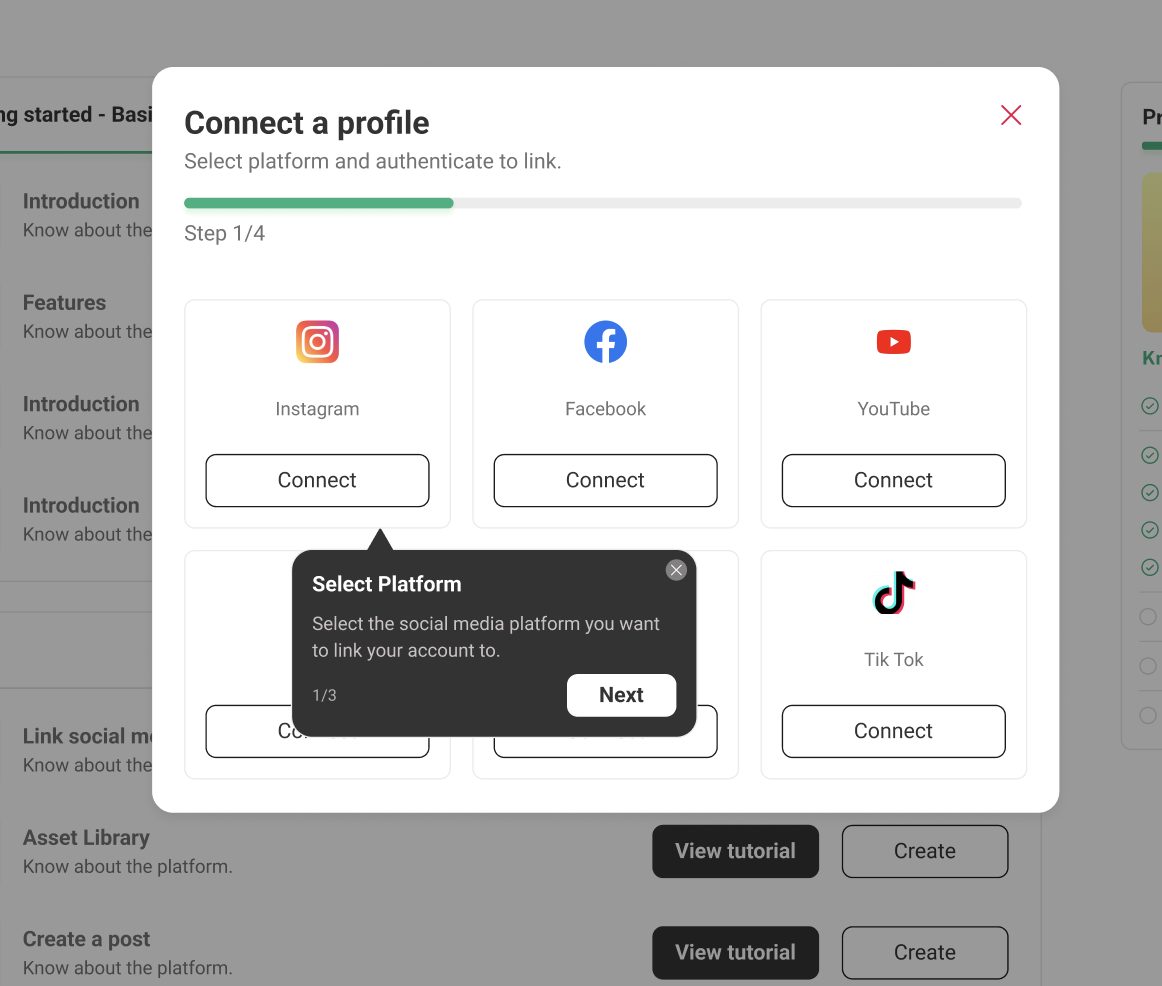
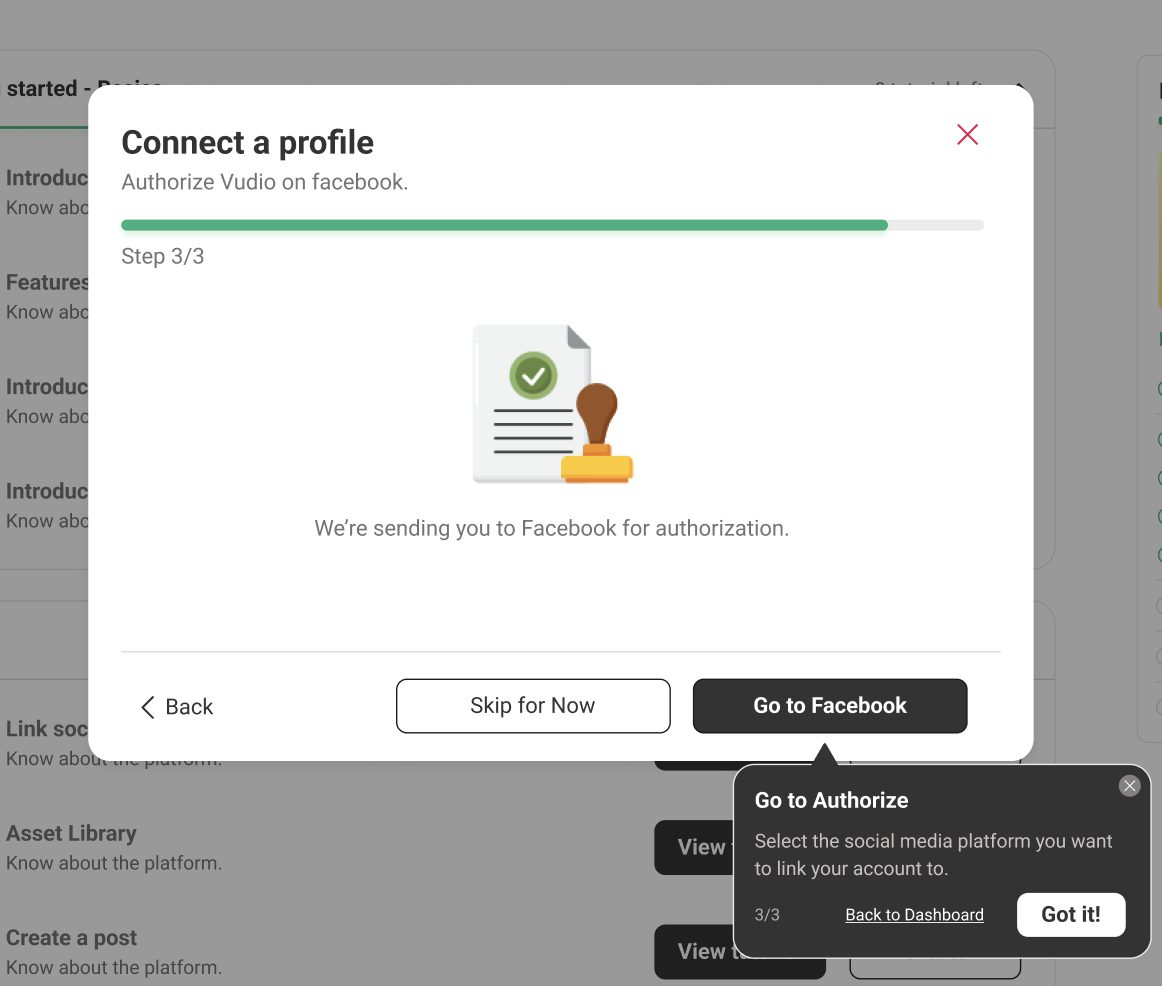
The guide sits next to the control, not in a manual, and tells you what to do at each step.
Solution cont.
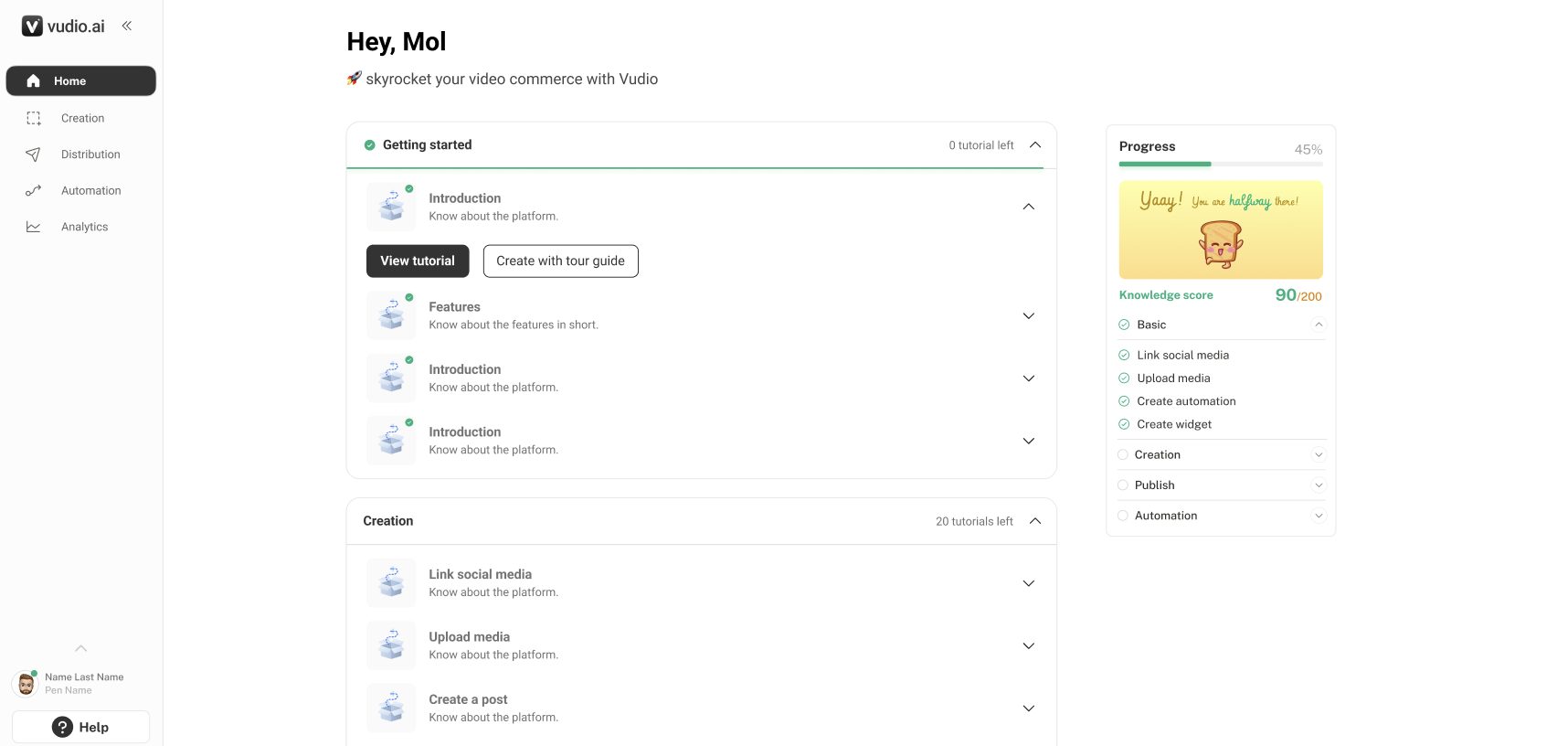
Introduced what Vudio does in a summarised form as a walkthrough (shorter and tight for easy understanding).
Put guides and coaches for better onboarding, with action happening as they progress and as they complete actions.


Each timed 2-4 min, so starting feels cheap.
"Turn comments into sales," not "DM automation".
First-visit cards are the activated-home cards, so nothing looks new.
It stays beside you while you create each asset.
How users get informed (IA)
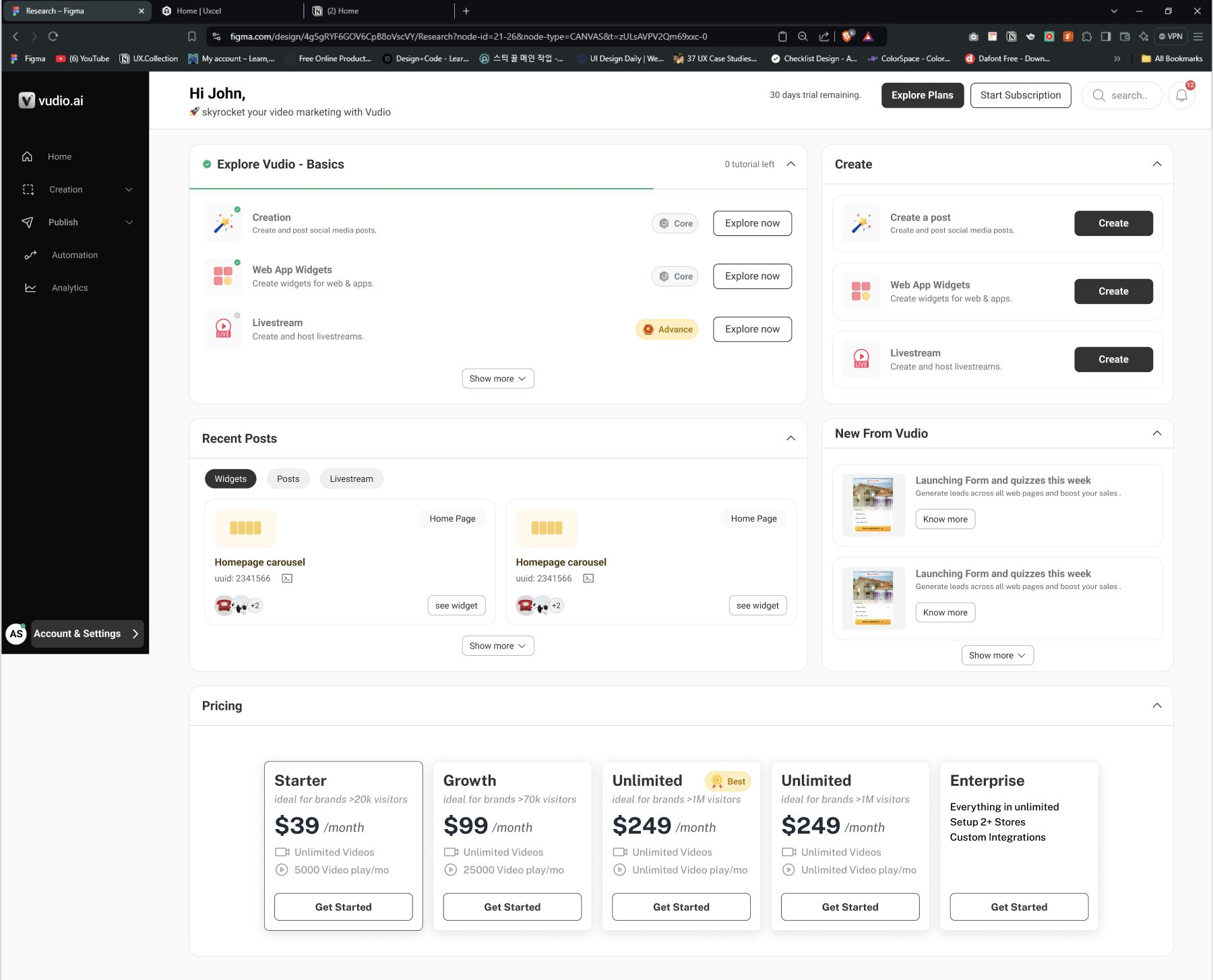
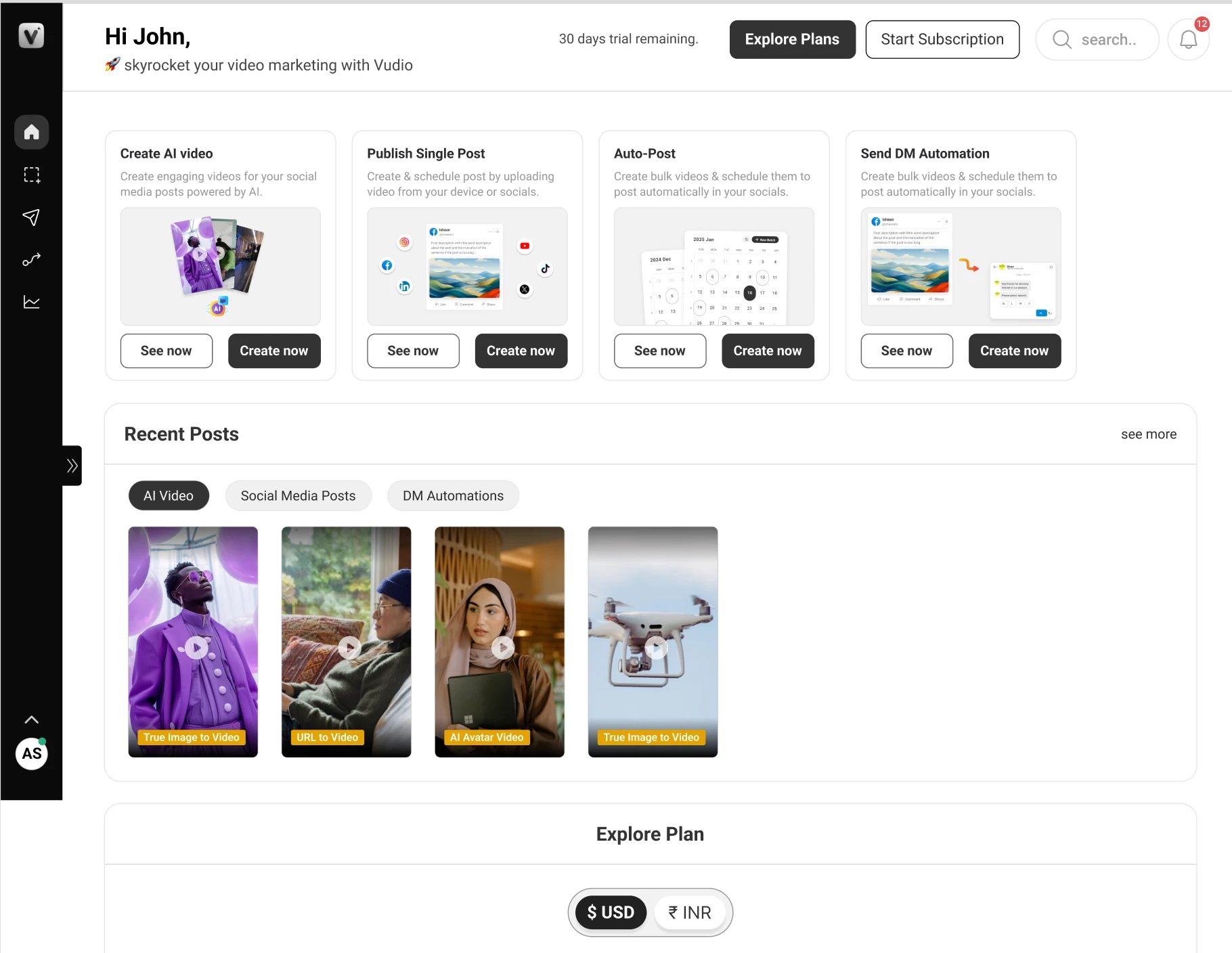
The same page, in two states. Setup is the whole page at first. After the first asset, it gets out of the way.
The five steps are the page, with one primary action, and plans stay in the top bar.
Setup folds into a pill, with Next up first, Your creations below and plans last.
A full-screen flow, because that's the moment a client becomes active.
A thin layer across all of it, beside whatever it explains.
Hi-Fi designs
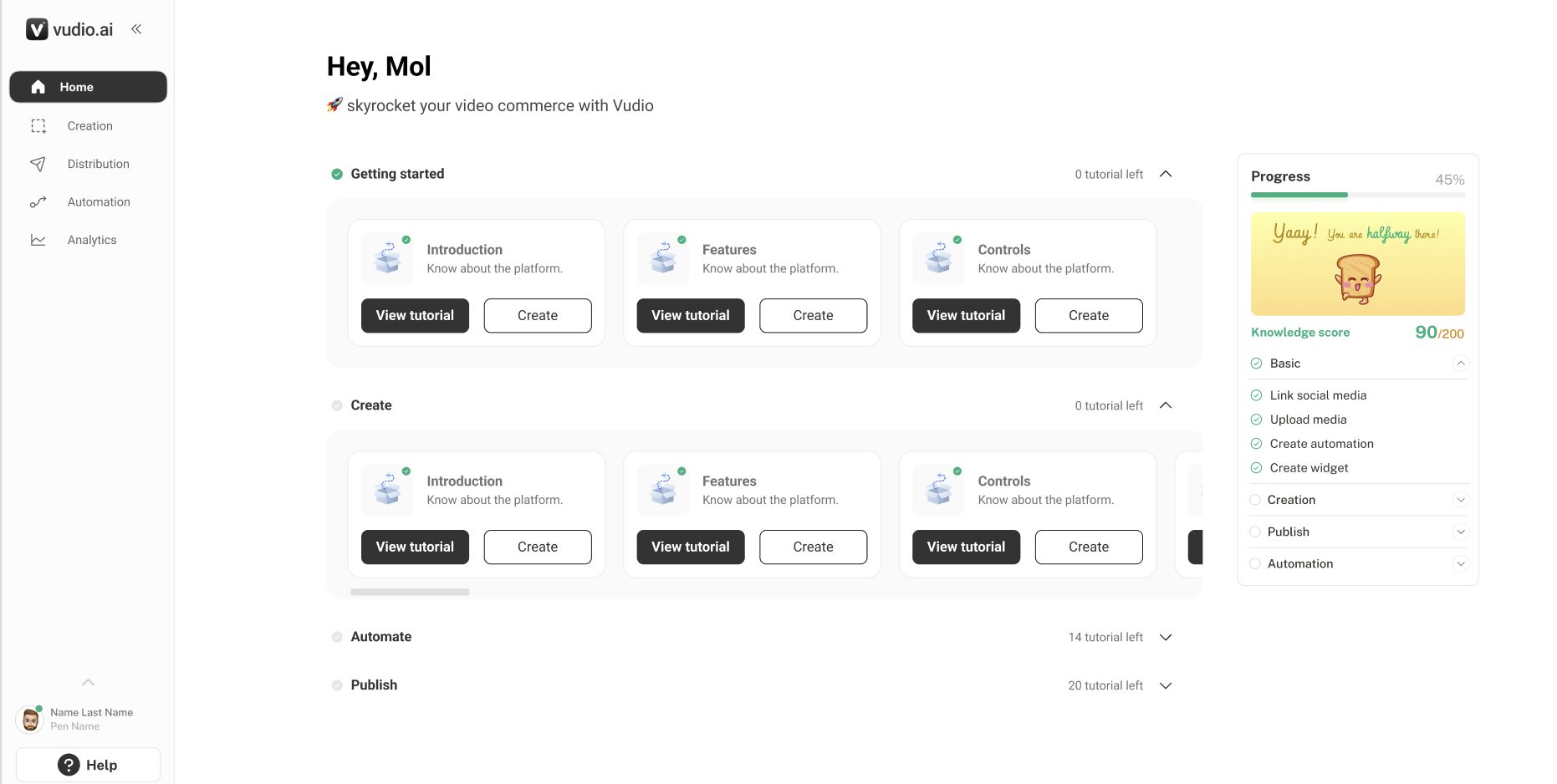
Three slides, two stages each, the next one peeking in.
Earlier version
One path first. Then, once they've made something, room for what's next.
Earlier versions


One dialog layout, with the guide beside it.
Earlier versions


Full screen, four short steps.
Earlier version
Tour guides and coaches come up every time, so users are guided at each step and never feel they can't do anything without a demo.
Guided by tour guides and coaches.
Outcomes & Reflections
Vudio is B2B, so impact showed up through Customer Success.
clients needing a second onboarding. Before, some needed it 3-4 times.
tickets about onboarding and re-training.
time back for accounts that need them.
What I learned
I learnt that a product decision doesn't only help the user. It can also help the teams around them and the business. In B2B, the people using Vudio never signed up for it themselves. Their company chose it, and they're expected to use it anyway. So the least we owe them is a product that's easy to pick up.
Nobody on the client's team picked Vudio, but they still had to learn it. Making that easy was the job.
Fixing onboarding for clients also gave Customer Success their week back, and fewer repeat sessions meant less re-training for everyone.
When clients can learn on their own, Customer Success spends its time on the accounts that need it.
A guide next to the button beat any manual, and the questions from support tickets became the guide copy.
A tour guide that introduces the product one step at a time worked better than a single big walkthrough, and it helped clients, Customer Success and the business.